iPhone Duo Touch ID: Why a Case Must Leave the Button Open
The iPhone Duo uses Touch ID in the side button, not Face ID. Why that rules out covered-button rugged cases, and what a good cutout looks like.
 Editorial
Confirmed by Apple
Does the iPhone Duo have Face ID? No. The iPhone Duo, the phone rumoured as the iPhone Fold, unlocks with Touch ID built into the side button instead. Apple confirmed it on 9 September, and the phone goes on sale on 23 October.
That removes a design option most rugged cases rely on: the covered button. A fingerprint sensor has to touch your actual finger, so the case must leave the button open. That is a harder engineering problem than it sounds.
Most coverage treats this as a convenience story — Face ID versus a fingerprint. From a case design desk it is something else: a constraint that eliminates a whole category of product. For everything else to check, see our guide to the best iPhone Duo cases.
By Priya Nair · FoldifyCase foldable case design team · 3 September 2026 · Updated 29 September 2026
Why a side-button sensor is a case problem
Cases handle buttons one of two ways.
Covered buttons. The case moulds over the button in the same material and you press through it. Almost every rugged case does this, because an unbroken wall seals better, survives drops better and feels more solid.
Open cutouts. The case leaves a hole and you press the bare button. Slimmer cases often do this. Less protective, harder to make look deliberate.
A fingerprint sensor in the power button makes the first option impossible. Capacitive sensors read the ridge pattern of skin through direct contact. A millimetre of TPU between finger and sensor does not weaken the signal — it blocks it. No material solves this.
What this means in practice
On the iPhone Duo, every case with a covered power button will break the unlock. Not degrade it. Break it. If a Duo case photo shows the side button sealed under a moulded bump, keep scrolling.
Three ways button cutouts go wrong
1. Too small
Your finger needs enough contact area for a reliable read. If the case wall crowds the button you get partial contact and intermittent failures: it works four times in five, and you cannot work out why. Foldable case walls are often thicker than slab-phone walls, which makes this worse.
2. Too large
Oversize it and you lose rigidity exactly where the phone needs it. The power-button rail absorbs a lot of drop energy, and on a folding phone the frame is already carrying more stress than a sealed slab.
3. The case sits proud of the button
If the wall is thicker than the button's protrusion, your fingertip cannot make flat contact, because you are pressing into a well. This is the most common failure and the least visible in product photos. A case can look perfect and still fail to unlock reliably.
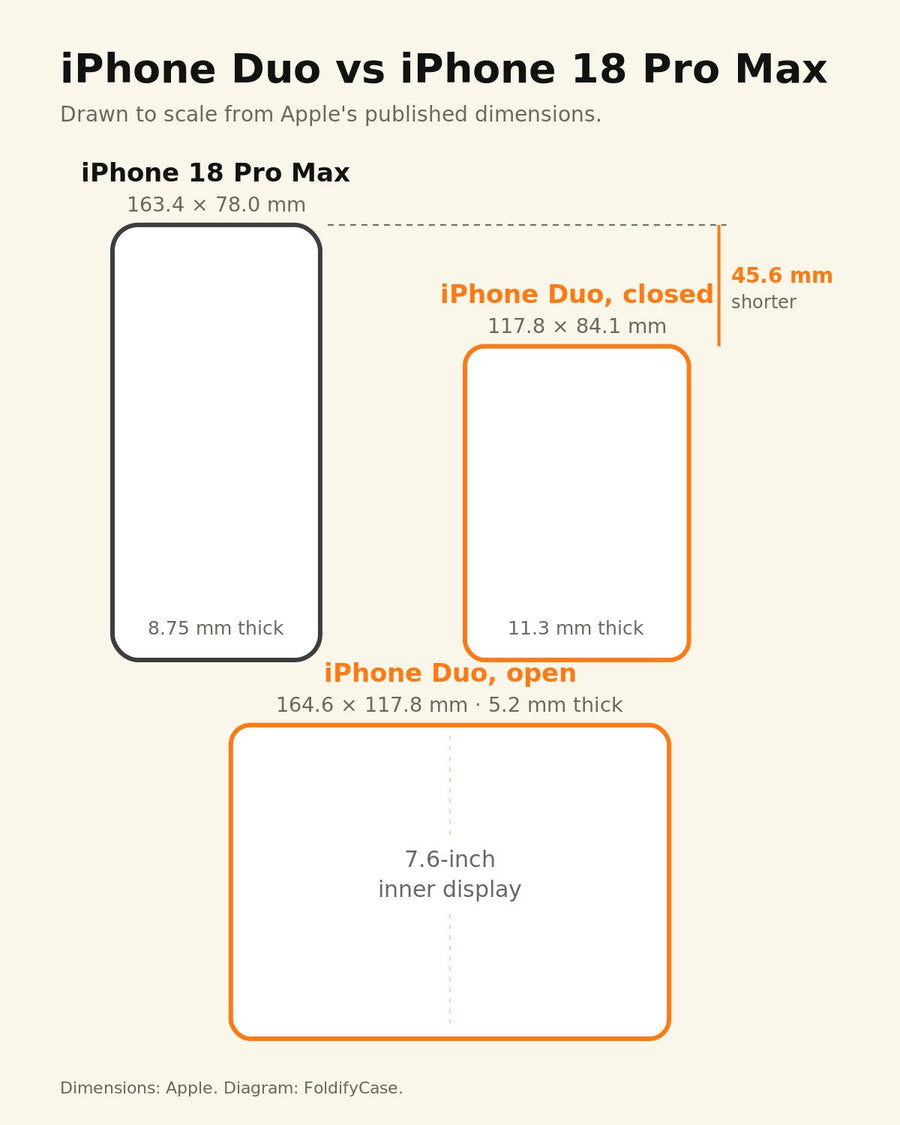
Getting all three right needs the real button geometry: protrusion height, travel, exact position on the rail. Apple publishes the phone's overall dimensions, not those details — which is why they have to be measured on a retail unit.
Why it matters more on a foldable
The rail is crowded. On a book-style foldable the power button, volume rocker and hinge share one narrow edge. A cutout has to be placed without weakening the section next to the hinge, which is where most foldable drops land.
You press it far more often. A foldable is opened and closed constantly, and the 5.4-inch cover screen means you use the closed Duo heavily. An unlock that fails one press in five is genuinely irritating at foldable usage rates.
The Duo is heavy. At 254 g it is the heaviest iPhone yet, so a case needs real corner protection — which pulls designers toward thick walls, exactly what a fingerprint button punishes.
What Samsung already taught the industry
This is not new territory. The Galaxy Z Fold line has used a side-mounted fingerprint sensor for several generations — Z Fold 7, Z Fold 8 and Z Fold 8 Ultra all do.
What we have learned designing around it:
- Open cutout, always. There is no covered-button design that works with a capacitive sensor.
- Chamfer the opening. A bevelled edge lets the fingertip sit flat instead of dropping into a square well.
- Thin the wall at that point specifically, and add the material back elsewhere on the rail.
- Test with more than one finger. Thumb and index approach at different angles; a cutout that works for one can fail the other.
That experience transfers directly to the Duo. What does not transfer is the exact button geometry, and that is what we will measure the week the phone ships.
How to check a case won't block Touch ID
Check the side button before anything else: if the case covers it, Touch ID will not read. These four checks take a few seconds on any listing.
| Check | Why |
|---|---|
| Is the side button covered or open? | Covered means Touch ID will not read. Non-negotiable |
| Is the cutout chamfered? | A square well stops the fingertip sitting flat |
| Does the seller mention Touch ID at all? | If they have not thought about it, they have not tested it |
| Was the fit checked on a retail Duo? | Button geometry is not in Apple's published dimensions |
Touch ID is only one part of choosing a case. For hinge coverage, weight and MagSafe, see our picks of the best iPhone Duo cases, or browse our iPhone Duo collection.
Pre-order · dispatched after we measure
Our iPhone Duo cases leave the button open
Both were tooled to Apple's published dimensions with an open side-button cutout. Pre-orders are not dispatched until we have measured a retail Duo and confirmed the fit — including a Touch ID unlock test.

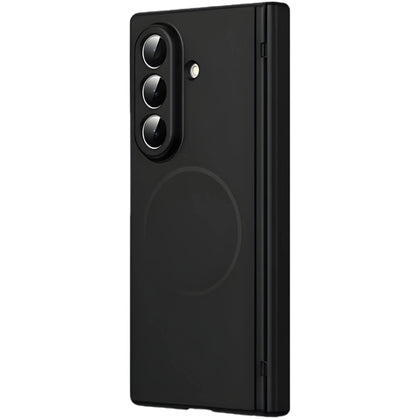
Kinetic P1
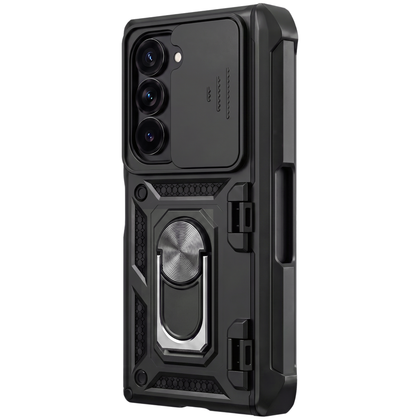
Full-length hinge cover, open side button, and a spine slot for a slim stylus (not an Apple Pencil).
A$129.00
Reserve the Kinetic P1
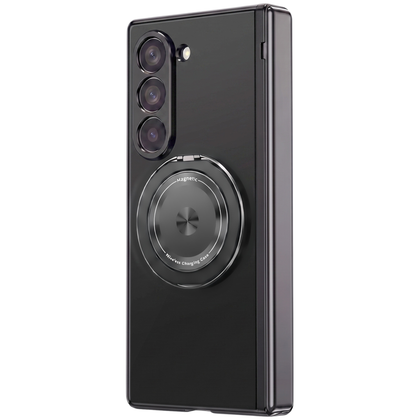
Axon M1
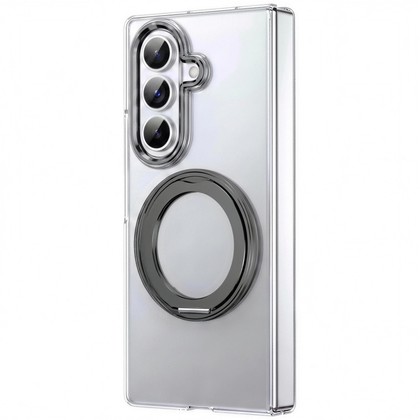
Clear shell, open side button, and a rotating ring grip and kickstand.
A$129.00
Reserve the Axon M1Product photography shows the Galaxy Z Fold versions. The iPhone Duo version of each case is a separate mould. Dispatch expected from late October once fit is verified; 30-day returns apply. See all iPhone Duo cases.
We test this properly
Get our Touch ID unlock test
The week the Duo ships, we will measure the side button and publish which case designs actually pass an unlock test. One email.
Frequently asked questions
Does the iPhone Duo have Face ID?
No. The iPhone Duo uses Touch ID built into the side button instead of Face ID. Apple confirmed this when it announced the Duo, the phone reported before launch as the iPhone Fold, on 9 September 2026. It means any case you use must leave the side button open, because a covered button blocks the fingerprint sensor.
Can a case cover the iPhone Duo's Touch ID button?
No. Capacitive fingerprint sensors need direct skin contact. Even a thin layer of case material blocks the reading rather than weakening it, so an iPhone Duo case must use an open cutout at the side button.
Will rugged cases work with the iPhone Duo?
Only if they use an open cutout at the side button. Many rugged designs cover every button in a continuous wall of material for sealing and drop performance, and those will stop Touch ID reading.
Does Samsung's Galaxy Z Fold have the same issue?
Yes. The Galaxy Z Fold 7, Z Fold 8 and Z Fold 8 Ultra all use a side-mounted fingerprint sensor, so foldable case makers have already had to design around this constraint. The lessons carry over to the iPhone Duo; the exact button geometry does not, and has to be measured on a retail unit.
What should I look for in the cutout itself?
A chamfered opening so the fingertip sits flat against the sensor, sized for full contact but not so large that the side rail loses rigidity. The case wall should not stand proud of the button.
Related guides
- Best iPhone Duo (iPhone Fold) cases (2026)
- iPhone Duo: the full confirmed specs and case-fit analysis
- iPhone Duo pre-order guide: start time in your city and every price
- Why a Duo case that truly fits comes after launch
- The hinge number Apple did not publish
- Shop iPhone Duo cases
Sources
Cases engineered
for the fold.
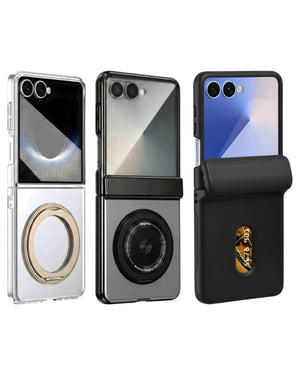
6 foldable-specialist designs — magnetic, hinge-cover, slim & S-Pen — each moulded to your exact model, not adapted from a slab-phone case.
Shop all 6 cases